BattSix The ultimate fuel gauge free on the app store! (click on the image below)
|
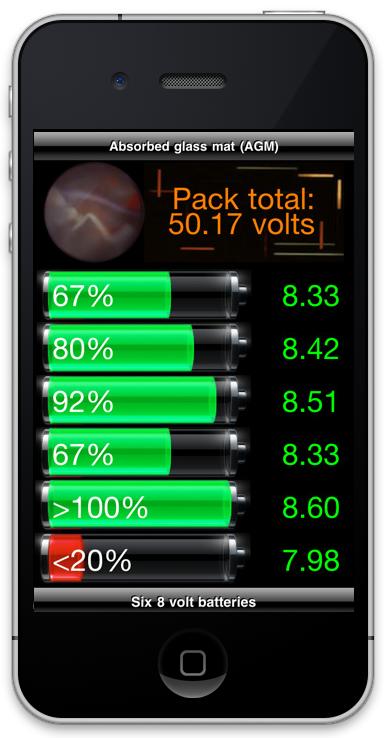
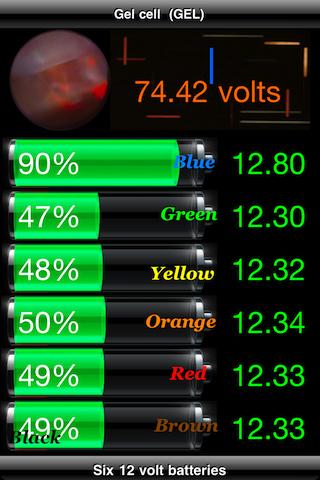
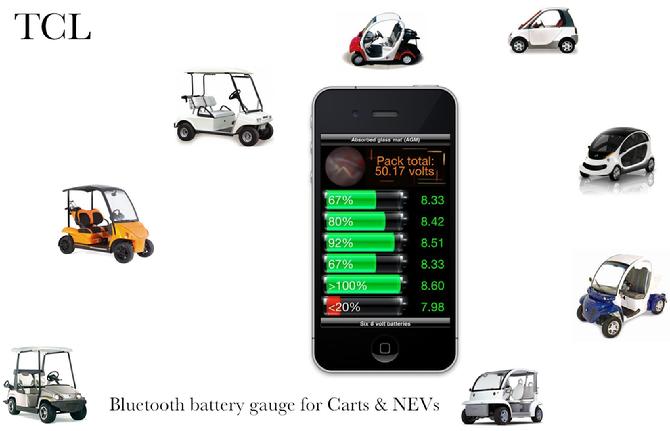
To insure maximum life from your Golf Cart or Neighborhood Electric Vehicle battery pack it is necessary to keep track of the depth of discharge and balance of the individual batteries. One weak battery can cause the others to be over charged and shorten their life. Key your voltage readings into BattSix and it produces numeric and graphic display of the battery pack status. Snap a screen shot for a permanent record.
Operating instructions... Tap the bottom bar to select 6, 8 or 12 volt batteries. Tap the top bar to select AGM, FLA or GEL battery type. Tap the middle of the display to bring up the keyboard. Key in your voltage readings with 2 decimal places ( key 6 volts as 6.00 etc.)
|
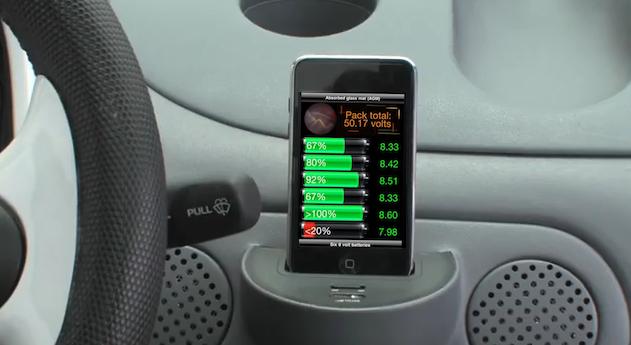
| But what if your Golf Cart or NEV could communicate with your iPhone, iPod Touch or iPad and tell you how it's feeling?
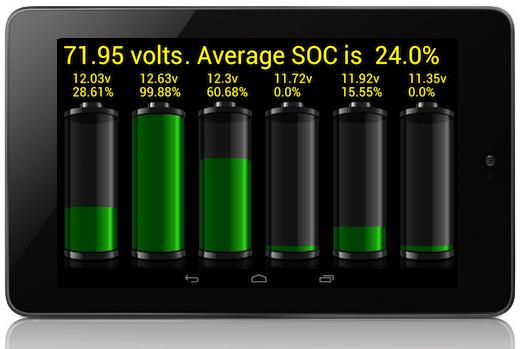
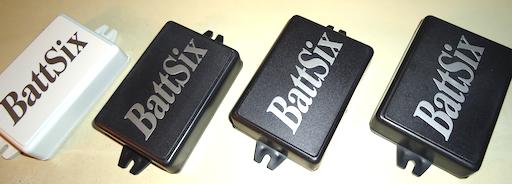
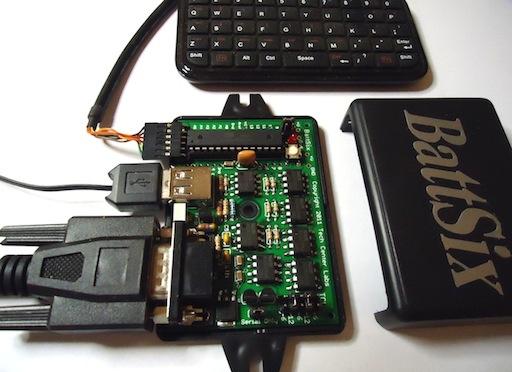
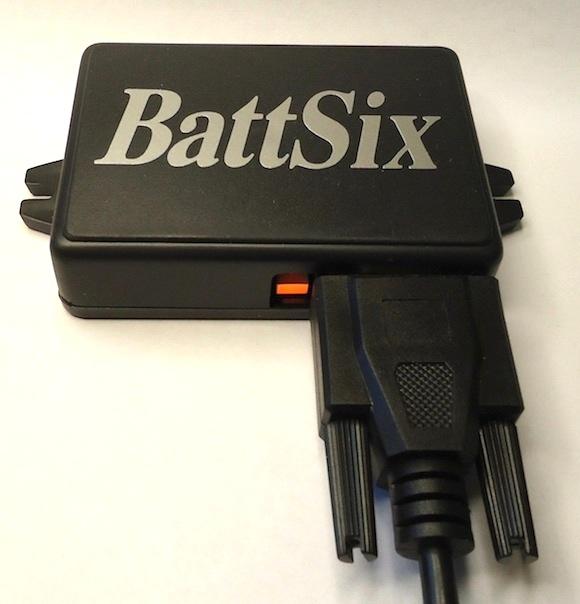
The BattSix hardware interface does just that! Don't let one shorted battery cell cause you to overcharge and destroy the whole pack. BattSix hardware monitors all six batteries and reports their status via bluetooth to your BattSix app. Advance warning of an imbalance allows you to take preventive measures to save the entire pack.
Temperature Compensation... To insure that your BattSix app reports accurate state of charge, temperature must also be considered. BattSix hardware measures ambient temperature and performs complex computations to normalize the battery readings to 76 degrees fahrenheit before sending the readings to BattSix app. While the voltage values displayed on BattSix may be slightly different from the actual measurements they will allow BattSix to provide very accurate State of Charge information.
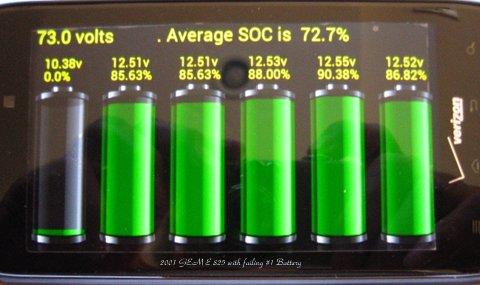
Real-time load test... A failing battery can also be identified by a load test but unfortunately this test has been difficult and time consuming in the past. Your batteries can have near equal voltage when sitting idle but under load a weak battery's voltage will be lower than the others. You can identify this condition immediately by watching BattSix while driving the vehicle!
Pack Balancing... BattSix hardware also provides 'gentle' balancing of your NEV battery pack by selectively powering itself from the highest voltage battery. It draws very little power but over a period of a few weeks your batteries will charge more evenly. |
Environment friendly... By driving an electric vehicle you are helping protect the environment, now you can do even more by extending the life of the pack and keeping batteries from unnecessarily ending up in landfills. We also include a green BattSix decal for your vehicle, if you would like 2 just let us know when you place your order.
|
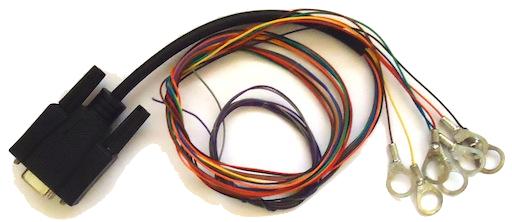
| Simple installation... Only seven color-coded connections to the pack with included wing nuts.
Measurement range of BattSix-I is 5 to 9 volts, this covers the working voltages of 6 and 8 volt batteries while allowing greater precision measurements. A voltage less than 5 volts will be displayed on BattSix as 0 and greater than 9 will be displayed as ~9.
Measurement range of BattSix-II is 10 to 14 volts for 12 volt batteries. A voltage less than 10 volts will be displayed as 0 and greater than 14 will be displayed as ~14.
|
|
We are in the final stages of releasing the BattSix hardware interface and looking forward to working with Manufacturers, Dealers, Distributers and end users.
BattSix will be officially released in conjunction with the Golf Industry show in February 2012 but it will be available in limited quantity as early as October 2011. We would be proud to have you on board as an authorized Dealer / Distributor.
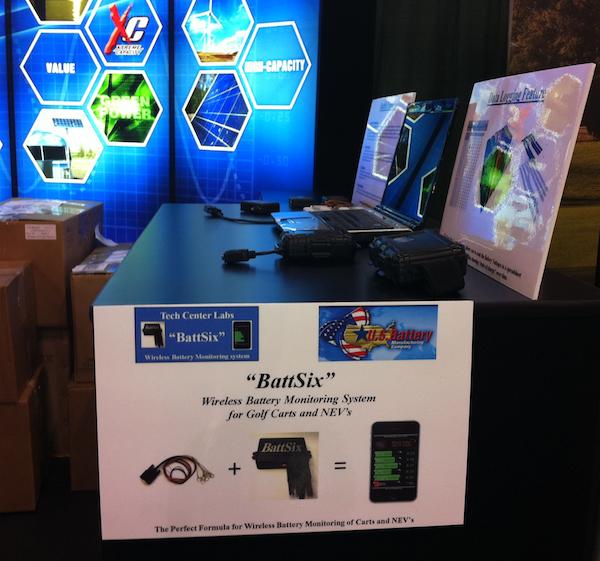
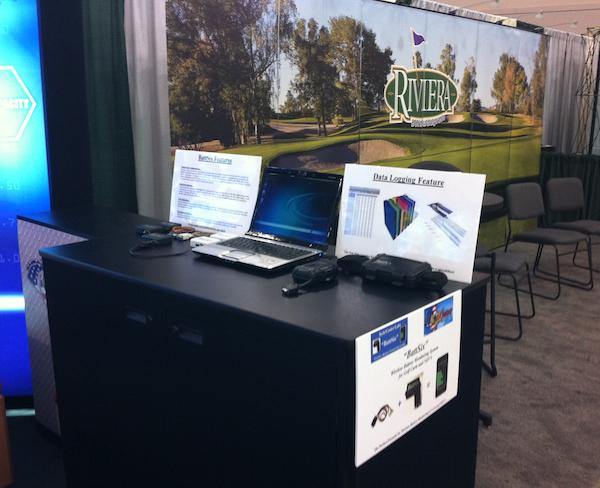
If you are attending the Golf Industry Show in Las Vegas (Feb 29 - March 1) be sure to check out BattSix and the new BattSix-PRO at US Battery's booth #308.
If you would like to be notified when the BattSix hardware interface is available please contact Gary at gmayhak@aol.com or Richard at rtbinvent@aol.com
|
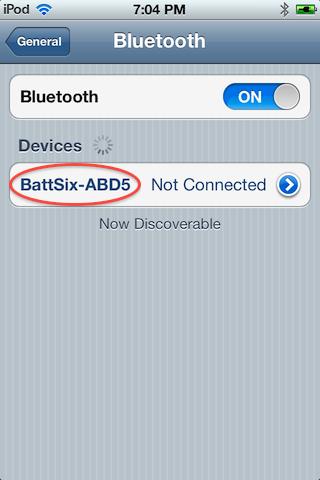
NEW! BattSix with built-in Bluetooth is designed to continuously transmit battery status when the battery harness is connected to BattSix. When you are not running the BattSix app you should turn the iPhone Bluetooth OFF (Settings, General, Bluetooth, slide to OFF)When you want to run the BattSix app turn Bluetooth ON (Settings, General, Bluetooth, slide to ON and tap on BattSix-)
|
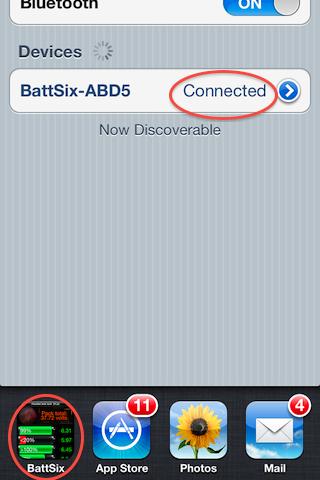
When "Connected" launch the BattSix app, If it's on the multitasking bar just click Home twice and tap on BattSix.
|
Select battery voltage and battery type, then tap the center of the screen. You should see the blue cursor moving, when the app synchronizes with BattSix it will start displaying battery voltages.
|
Remember to turn iPhone Bluetooth OFF when not running BattSix because the data stream could interfere with other apps.
|
BattSix owner feedback...
"I own a GEM with (6) FLA 12 volt batteries. The installation was really easy. The instructions were good and the installation went fast and smooth.
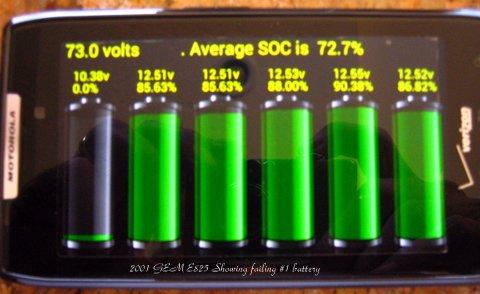
It immediately has done its essential good by pointing me to a bad battery in the pack. At rest the bad battery was several tenths below the rest of the pack, however as soon as I started the car (putting a load on the pack) it rolled off much quicker than the rest as I drove my GEM.
I was hoping it would be remedied with a single unit charge overnight. The Battery did recover and was corrected with the overnight charge.
Which I never would have known was needed without BattSix!" Dave from Southern Minnesota
"USA internationell-PC (iPhone keyboard selection for bluetooth) works much better, need to try more here,but I love it more and more :) thanks for your work."
and...
"if i use keyboard layout USA internationell-PC it works 100% on both battsix 1 and 2 :)"
Fredrik from Sweden
|
|